Canva vs Adobe Express: Which Is Better in 2026?
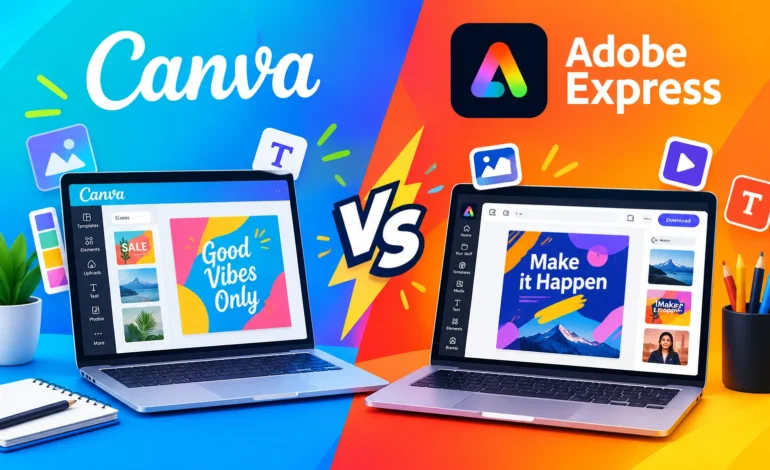
Bloggers, small-business owners and students all need quick graphics. Two tools lead the beginner market: Canva and Adobe Express. Both let you design social posts, flyers and thumbnails in your browser without design training.
Magazines Insights has compares Canva vs Adobe Express on templates, free plans, ease of use, and pricing, so you can pick one fast.
Quick View
- Choose Canva if you want the biggest template library and a simple drag-and-drop editor.
- Choose Adobe Express if you already use Adobe apps, or you want strong photo and font tools.
For most new bloggers, Canva is the easier start. Adobe Express fits people who value Adobe’s fonts and its video and PDF tools.
What each tool does?
Both tools run in a browser and on mobile. Each one offers templates, stock photos, icons, and one-click resizing for social platforms. You can make posts, logos, presentations, short videos, and printables.
Canva vs Adobe Express at a glance
| Feature | Canva | Adobe Express |
| Free plan | Yes | Yes |
| Template library | Very large | Large, growing |
| Ease of use | Very beginner-friendly | Beginner-friendly |
| Background remover | Paid plan | Free tier available |
| Brand kit | Paid plan | Paid plan |
| Video editing | Yes | Yes |
| Fonts | Large library | Adobe Fonts access |
| AI design tools | Yes | Yes, Firefly tools |
Templates and design variety
Templates save beginners the most time. Canva offers a very large catalog covering social posts, resumes, presentations and more. Adobe Express offers a smaller but polished set, and many templates look modern. Search both for your niche, such as blog graphics or YouTube thumbnails, and compare the results.
Ease of use
Canva’s editor feels simple. You drag elements, drop them in place, and adjust text with a clear side panel. Adobe Express feels similar, with a bit more emphasis on one-click effects and text styling. Both take under an hour to learn.
Free plan: what you actually get
Both tools offer free plans that cover basic design work. The limits show up in premium templates, premium stock assets, background removal, brand kits, and resizing. Check each plan’s current limits before you commit, because they change often.
Photo and video tools
Adobe Express brings Adobe’s photo-editing heritage, with quick effects and background removal. Canva counters with a wide stock library and an easy video editor. If you edit short videos for social media, test both timelines with a real clip.
Pricing
Both tools have free tiers and paid plans with extra assets, brand kits, and team features. Prices and plan names change often, so read the official pricing pages before you buy.
Who should choose which?
Canva is better for:
- Beginners who want the easiest start
- Bloggers who need lots of ready-made templates
- Teams that share designs and brand assets
Adobe Express is better for:
- People already using Adobe apps
- Users who want quick photo effects and background removal
- Anyone who values Adobe’s fonts and brand-safe tools
FAQ
Is Canva or Adobe Express easier for beginners?
Both are easy. Canva’s larger template library gives it a slight edge for first-time users.
Can I use the free versions for a business?
Often yes, but read each tool’s license terms for commercial use of templates and stock assets.
Which tool has better free templates?
Canva usually has more free options, but check both for your specific design type.
Can I use both tools together?
Yes. Many creators design in one tool and use the other for a specific feature, like background removal.
Conclusion
Canva is the safer first pick for most beginners thanks to its size and simplicity. Adobe Express shines if you want Adobe’s tools and style. Try both free plans on one real project, then keep the one that feels faster.